|
## Workshop ##
|
* [Detailed Workshop Agenda](agenda.html) (includes links to presentations and schedule)
* [Lab Access](https://vtp-fj.nsrc.org) (workshop only)
* [Participants](participants.html)
* [Instructors](instructors.html)
* [Reference Materials](references.html)
* [Sponsors](sponsors.html)
* [Survey link](https://nsrc.org/limesurvey/index.php/154868?lang=en)
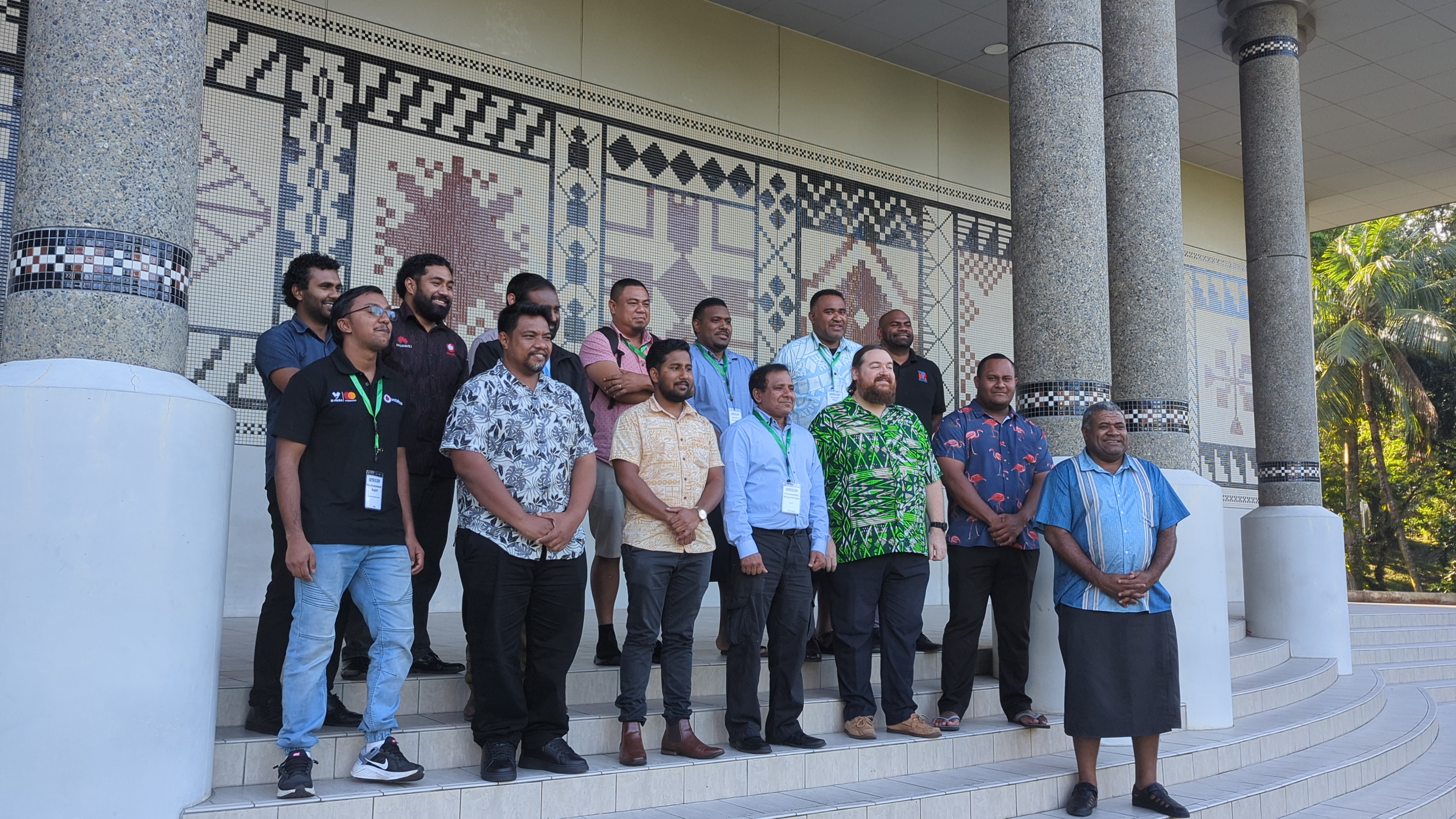
* [Photos](https://photos.nsrc.org/index.php?/category/633-pacnog_37_dnsops_jul)
* [NSRC training videos](https://learn.nsrc.org)
* [CNDO](https://learn.nsrc.org/cndo) : [BGP](https://learn.nsrc.org/bgp)
|
|
## Workshop Description ##
### _KINDNS: DNS & DNSSEC operational best practices to improve the DNS ecosystem_ ###
DNS is not just for ccTLDs. This four-day hands-on workshop covers best
practices for effectively managing DNS & DNSSEC day to day in deployments of all
sizes. Participants learn about the KINDNS guidelines -- best practices agreed
on by DNS practitioners for various classes of deployments: from authoritative
leaf zones, to large-scale shared public resolvers, to ccTLDs. This workshop is
aimed at anyone running a DNS server -- whether a recursive resolver for
themselves, an ISP, or an enterprise, or authoritative service for one to a
million zones. Everyone needs DNS.
The workshop will begin with a refresher on the finer points of the DNS & DNSSEC
protocols (TTLs, signature algorithms, EDNS0), but quickly move on to hands-on
work, including:
* Installing DNS servers
* DNSSEC best practices
* Monitoring DNS infrastructure
After this workshop, participants will have a better understanding of how DNS
servers work. And how they fail. And how to fix them when they fail.
## Pre-requisites ##
__Minimum Experience__
This is a hands-on workshop taught in a virtual lab environment.
Participants are required to be familiar with DNS & DNSSEC theory and basic
systems administration. Participants are expected to bring a laptop and know
how to use it. The lab is taught in a virtual environment accessed via a web
browser and SSH.
Candidates should know how to install software packages in a Unix-like or Linux
environment, and be familiar with elementary systems administration: starting
and stopping processes, finding and examining log files, etc.
**Please note: participants are required to bring laptops**
## Technical Requirements ##
Participants laptops/PCs must have:
* A modern web browser installed (Chrome/Firefox/Safari/Opera/Edge)